
Connected Appliances Are Changing the Service Call. Here's What Techs Need to Learn.
ServiceMag Staff
ServiceMag editorial team
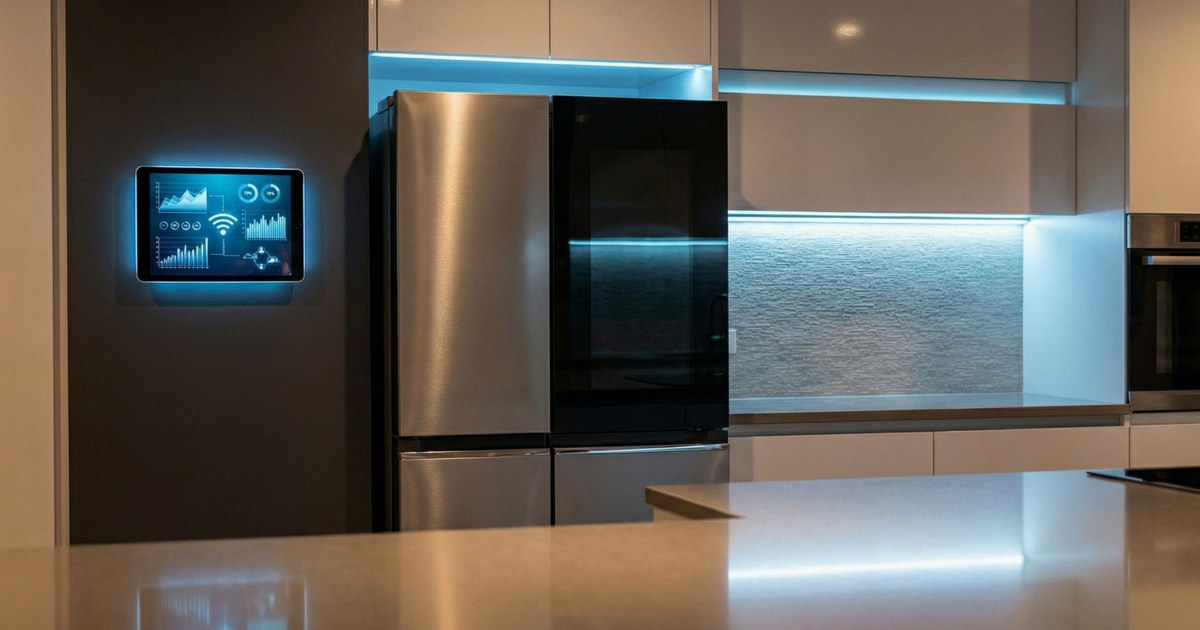
The appliances installed in California homes in 2026 are fundamentally different from the ones installed in 2016. Wi-Fi connectivity is now standard on refrigerators, dishwashers, washers, dryers, and HVAC systems across virtually every major brand. Smart home integration — connection to Google Home, Amazon Alexa, Apple HomeKit, and manufacturer-specific ecosystems — is a selling point on entry-level machines, not just premium ones.
For service professionals, this creates a category of call that didn't exist five years ago: the connectivity problem. And for shops that move fast on this, it also creates a new revenue opportunity.
What "Smart Appliance" Means in the Field
A smart appliance has a Wi-Fi module (sometimes also Bluetooth) that connects it to the manufacturer's cloud service. The cloud connection enables:
- Remote diagnostics: The manufacturer's app can read error codes, run test cycles, and in some cases diagnose failures before a tech arrives on-site.
- App-controlled operation: Customers can start and stop cycles, check cycle status, and adjust settings remotely.
- Software updates: Manufacturers push firmware updates over Wi-Fi, sometimes adding features and sometimes fixing bugs that cause appliance behavior problems.
- Usage data: Manufacturers collect data on cycle frequency, water temperature, energy use. This data may be used for service predictions.
For Samsung, LG, GE, Bosch, and Whirlpool, the connected appliance ecosystem is now mature enough that their own service tech tools — the apps used by authorized service technicians — are deeply integrated with the Wi-Fi diagnostic system. Samsung's SmartThings for service and LG's ThinQ service diagnostic mode both require the appliance to be connected to Wi-Fi to function at full capability.
The New Call Type: Connectivity Problems
Connectivity calls are showing up in the service queue, and they require different skills than mechanical repair.
Common connectivity-related service scenarios:
Appliance not responding to app: Wi-Fi module has failed, or the Wi-Fi credentials are no longer valid (customer changed their router or ISP). The appliance appears to work normally but is "offline" in the app. This is often flagged as an appliance problem when it's a network problem.
Firmware update interrupts operation: Automatic firmware updates occasionally disrupt normal operation. Owners have reported connected refrigerators getting stuck mid-update or throwing an error after an over-the-air push, and most of these resolve with a full power cycle (unplug for several minutes) once a stable Wi-Fi connection is restored. In some cases a software bug ships in a firmware build and is then corrected by a follow-up over-the-air update — LG, for example, pushed a fix to its WM3170CW washers after a build caused them to use too little water to clean properly. Persistent post-update faults that a power cycle won't clear can require a service technician to reload firmware or, in the worst case, replace the control board. Know how the brands you service handle firmware so you can tell a stuck update from a hardware failure.
Error codes that only appear in the app: Some modern appliances surface diagnostic codes in the app that don't display on the machine's panel. The customer says "the app says F-33 but I don't see anything on the machine." If you don't have the app installed or don't know what F-33 means, you're starting behind.
Smart home integration conflicts: A customer using HomeKit or SmartThings reports that their appliance "does things on its own" — running cycles at odd times, displaying incorrect states, or not responding to voice commands. These problems require understanding the smart home ecosystem, not just the appliance.
Install the manufacturer apps on your service phone. Samsung SmartThings, LG ThinQ, GE Home, Whirlpool app, Bosch Home Connect. This costs nothing and takes 20 minutes. The next time you're on a Samsung refrigerator call, you can pull up the SmartThings service diagnostics if the appliance is connected to Wi-Fi, and get a complete error history before you open the doors. This is a genuine time-saver on complex calls.


Remote Diagnostics: Threat and Opportunity
Manufacturer remote diagnostics have been positioned by some techs as a threat to the independent service model. Samsung and LG can now, in theory, remotely diagnose a customer's appliance and dispatch their own service network before an independent shop ever gets the call.
In practice, the remote diagnostic capability has not translated into a significant reduction in independent shop call volume — at least not yet. The bottleneck is the manufacturer service network, which is chronically short of available appointments. Anecdotally, several Southern California shops we've spoken with report manufacturer-authorized service waits stretching to a couple of weeks during busy stretches. Independents who can respond within 24-48 hours continue to win the majority of calls.
The more relevant development is using remote diagnostics as a competitive advantage. The shops we've spoken to that are winning connected-appliance calls are ones that ask about the app status when the customer calls. "Is your appliance connected to Wi-Fi? Can you check the app for any error messages?" If the customer has the app data, a good tech can often narrow the diagnosis before arriving — which means a higher first-call fix rate and a better customer experience.
What Techs Should Learn Now
The manufacturer apps. Install them, know the service modes, and understand how to access diagnostic data. For LG ThinQ, the service diagnostic menu is accessed through a separate technician code (not the standard consumer app). Samsung SmartThings has a service partner interface with broader error code access.
Wi-Fi and networking basics. You don't need to be an IT professional, but understanding the basics of 2.4GHz vs. 5GHz networks (most smart appliances require 2.4GHz), WPA2 vs. WPA3 security, and how to reconnect a device to a new network is now part of the service call on any connected appliance. Techs who can answer "why won't my new appliance connect to my mesh router" will close calls that otherwise turn into callbacks.
Firmware update procedures. Know how to check the current firmware version on the major brands you service. Know how to initiate a manual firmware update and how to recover an appliance that stops working normally after an automatic one — often a stable Wi-Fi connection plus a full power cycle, escalating to manufacturer service if the fault persists.
Smart home integration touch points. If a customer uses Google Home or Amazon Alexa, understanding how appliances integrate with those platforms — and what symptoms result from integration failures vs. appliance failures — will differentiate your diagnostics.
The Revenue Opportunity
Connected appliance setup is work that customers will pay for and that most tech companies don't offer. A customer who bought a new smart refrigerator, dishwasher, and range in the last six months has three appliances to connect, three apps to set up, and probably a smart home hub they're trying to integrate everything into.
A flat-rate "smart appliance setup" service — connecting new appliances, configuring apps, setting up integrations — is a service that a good tech can deliver in 60-90 minutes per home visit, at a rate competitive with an average service call. The tools required are the same phone you already carry.
This connects to the broader trend we covered in our smart appliance diagnostics piece — the skills that used to differentiate HVAC and appliance techs from IT professionals are converging. The shops that recognize this early and develop the capability will have a service offering that's hard to replicate at scale.
Bottom Line for Service Professionals
Smart appliance connectivity is not a passing trend — it's the new baseline. The machines being installed today will still be in service in 2036, and by then the older, non-connected appliances will be the exception. The techs and shops that build connected-appliance competency now will be the ones servicing the majority of the installed base in five years.
The barrier is low. Install the apps, learn the service modes, understand basic networking, and start asking about connectivity status on every call involving a post-2020 appliance. That's the starting point.
Sources
LG Electronics. "LG Washer — How to Use Smart Diagnosis." LG USA Support. https://www.lg.com/us/support/help-library/lg-washer-how-to-use-smart-diagnosis--1436379013843
LG Electronics. "LG Washer — How to Upgrade Features Using ThinQ Up." LG USA Support. https://www.lg.com/us/support/help-library/lg-washer-how-to-upgrade-features-using-thinq-up--20153544252418
Consumer Reports. "LG WM3170CW Software Update Fixes Front-Loader Bug." Consumer Reports. https://www.consumerreports.org/front-load-washers/LG-WM3170CW-fixes-front-loader-bug
Need a repair professional?
Get free quotes from verified technicians in your area.
Find a Pro Near You